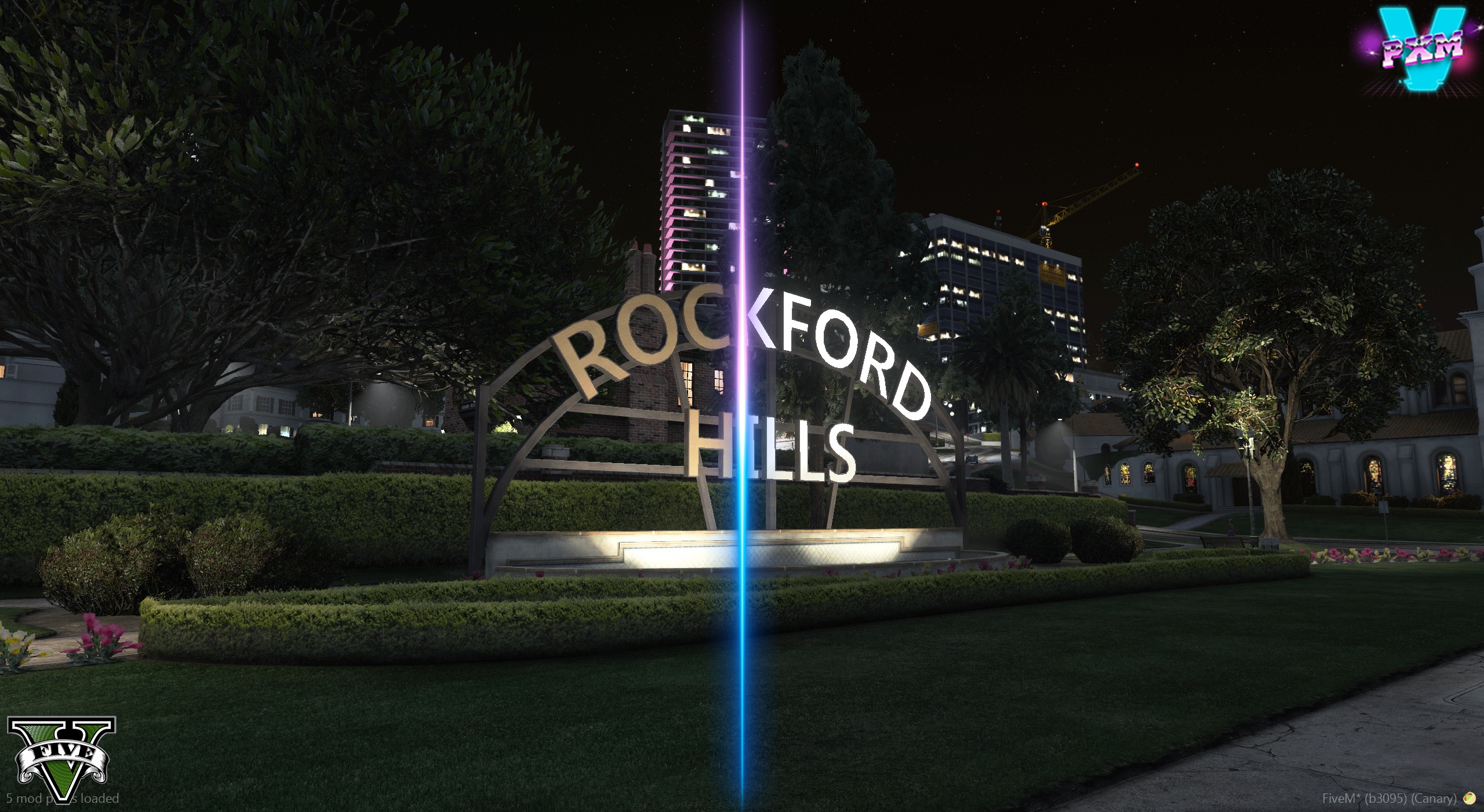
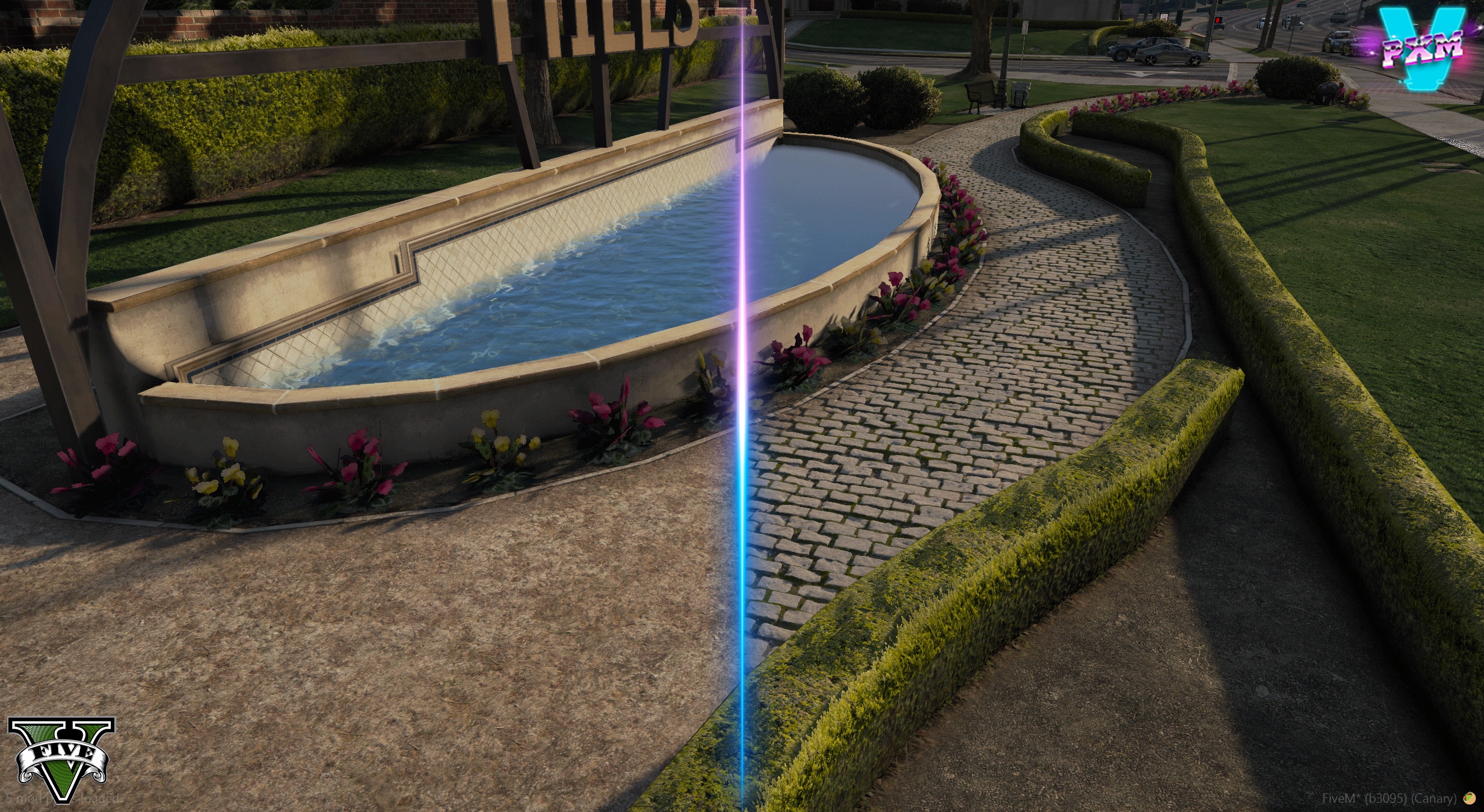
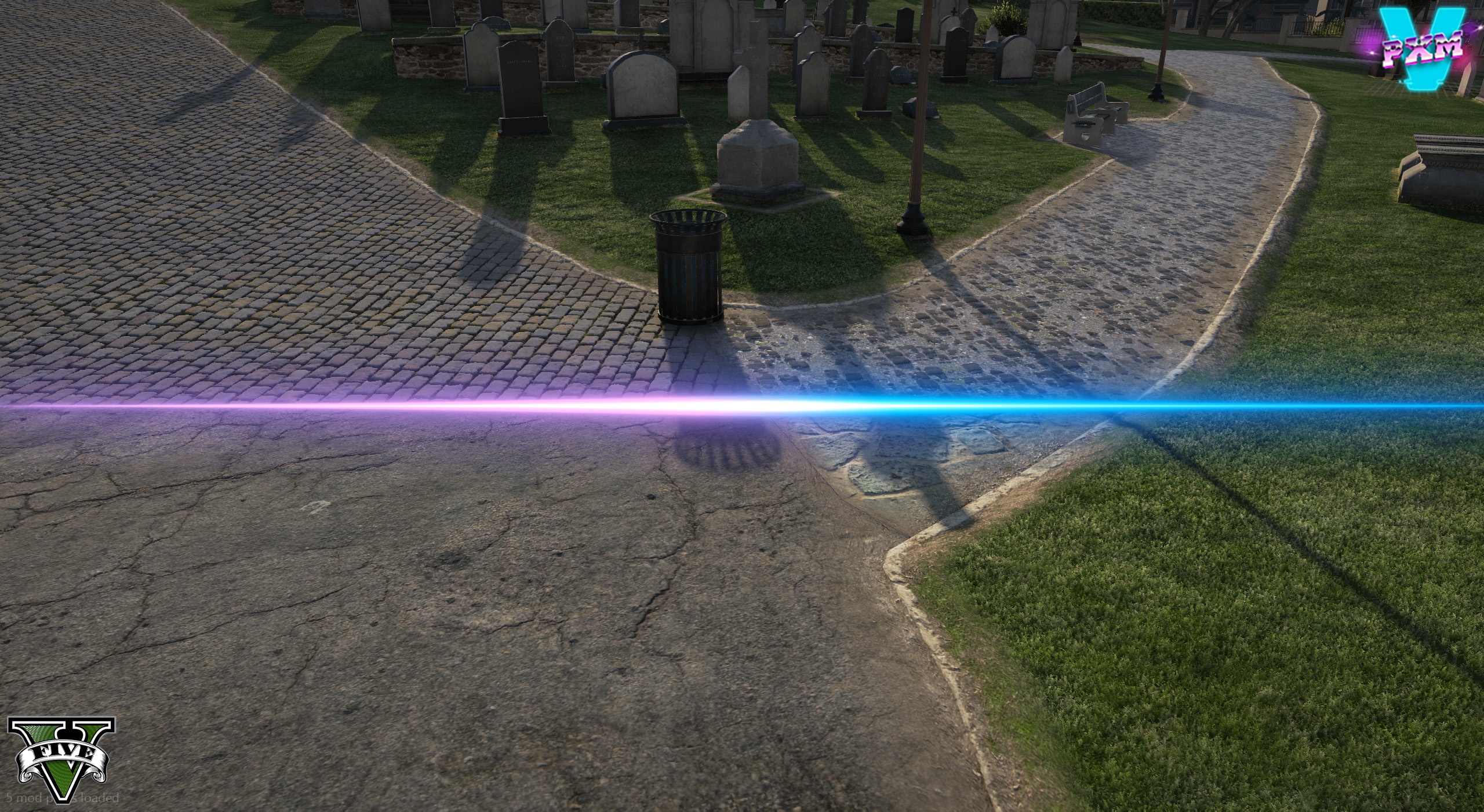
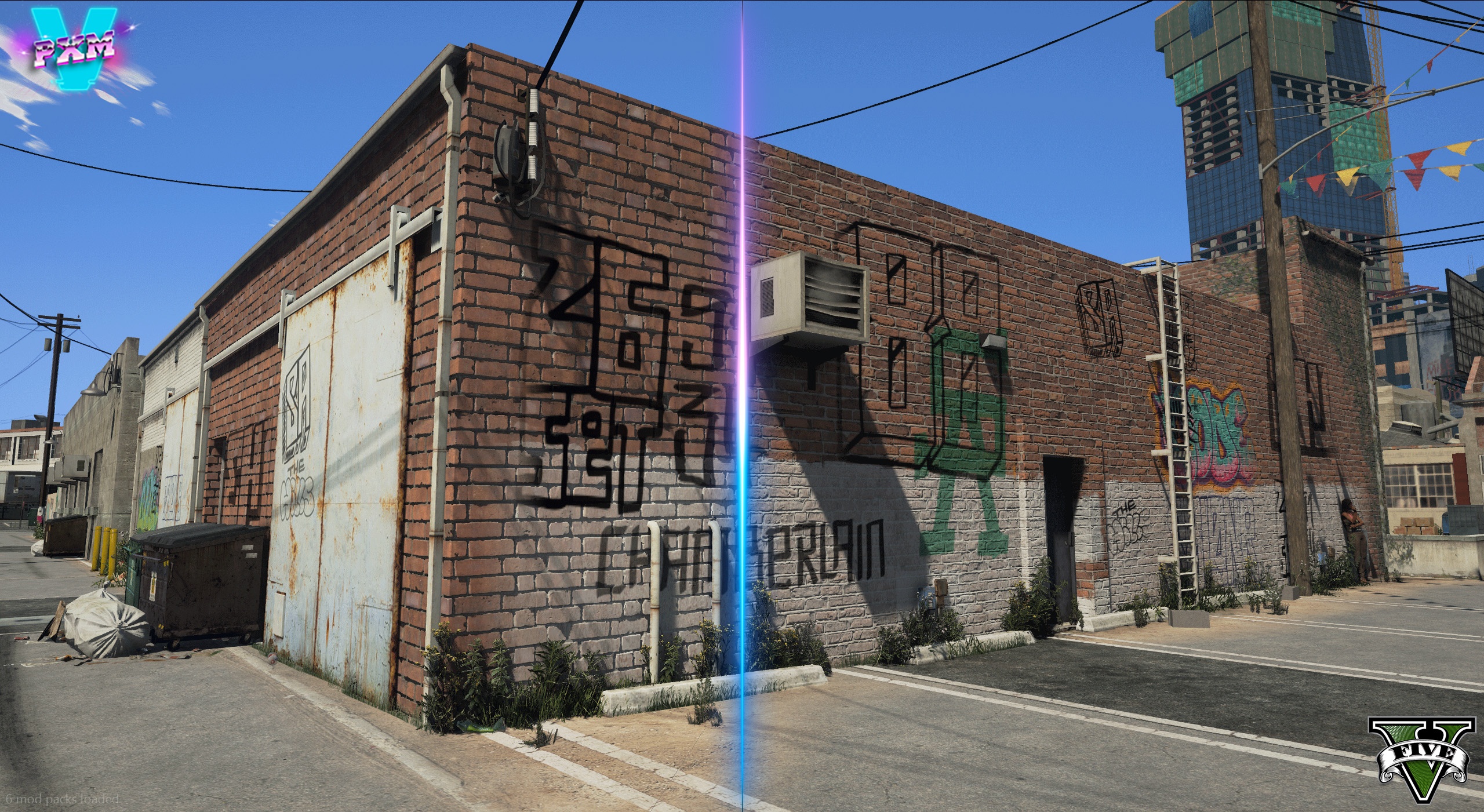
Today, GTA V isn’t just a game, but a platform where people can completely transform the game by applying various mods. Some add realistic cars, while others enhance the graphics so much that the game resembles a real-life movie. One of these popular graphics mods is PXM V.
PXM-V is a powerful graphics enhancement mod specifically designed to improve the visual quality of GTA V. This mod makes the game’s lighting, roads, textures, and environment more realistic and cinematic than before. After installing this mod, the entire look of Los Santos city changes, giving the game a very next-gen feel.
PXM V Mod Key Features
The PXM-V mod offers several features that completely transform the graphics quality of GTA V. It doesn’t just change the colors but also attempts to give the entire environment a realistic feel. This has made the mod quite popular among YouTube gamers and those who create cinematic gameplay videos.
Realistic Road Textures
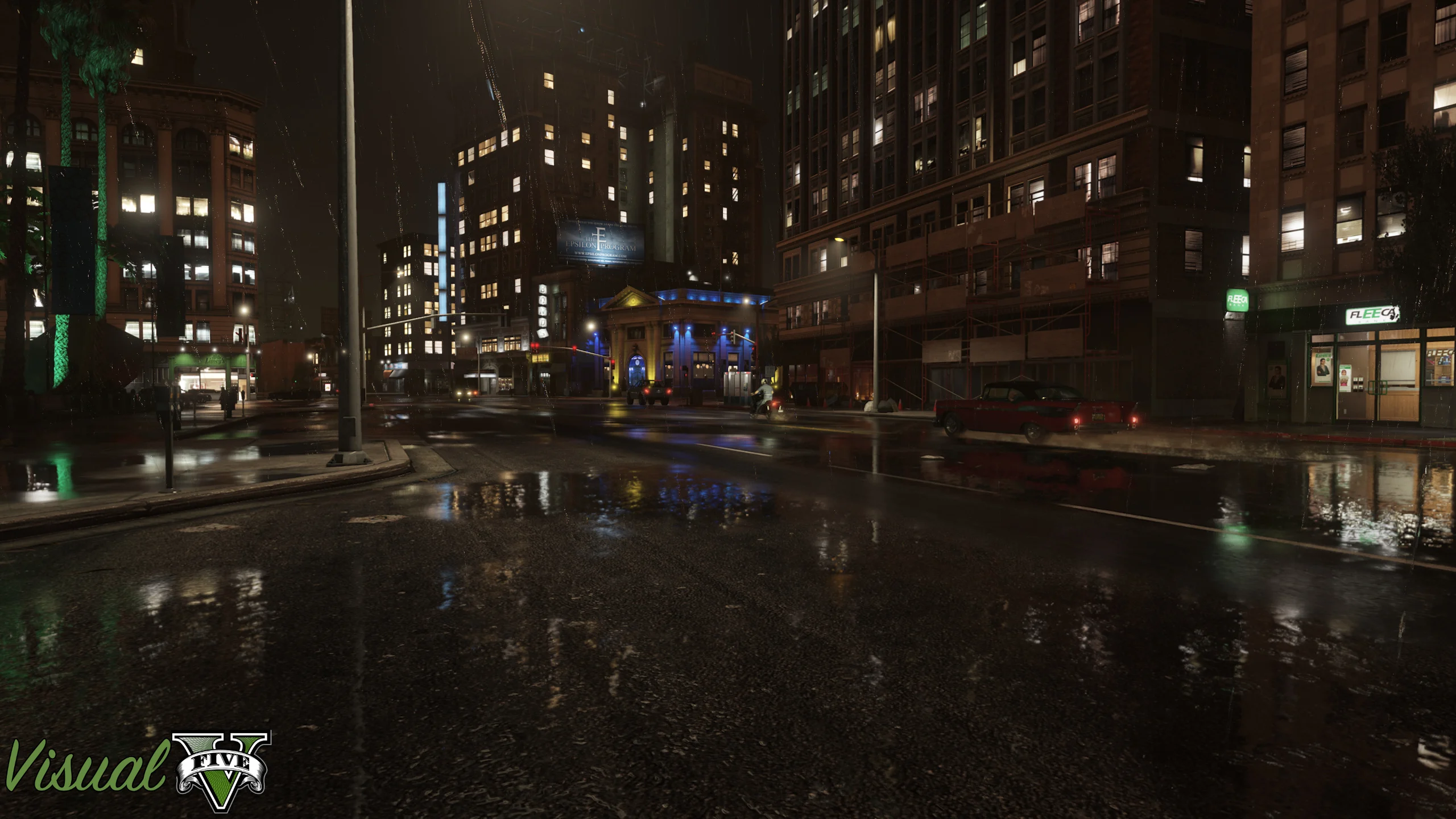
The biggest feature of this mod is its realistic road textures. Normally, GTA V’s roads appear a bit flat, but after installing PXM V, the roads gain depth and detail. The roads appear clearer, sharper, and more realistic. When it rains, reflections are even more impressive, giving the game a more realistic feel.
Better Lighting System
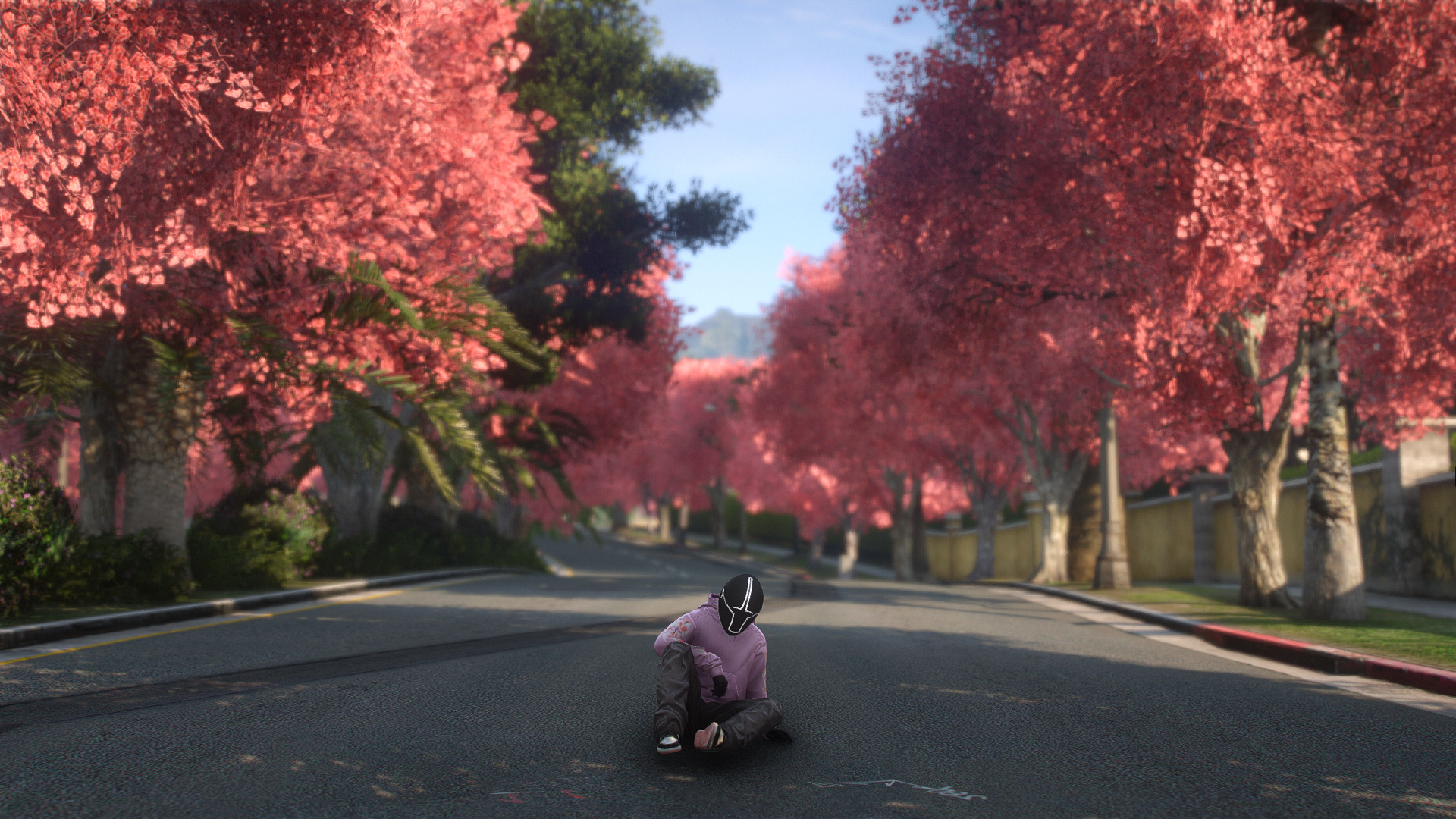
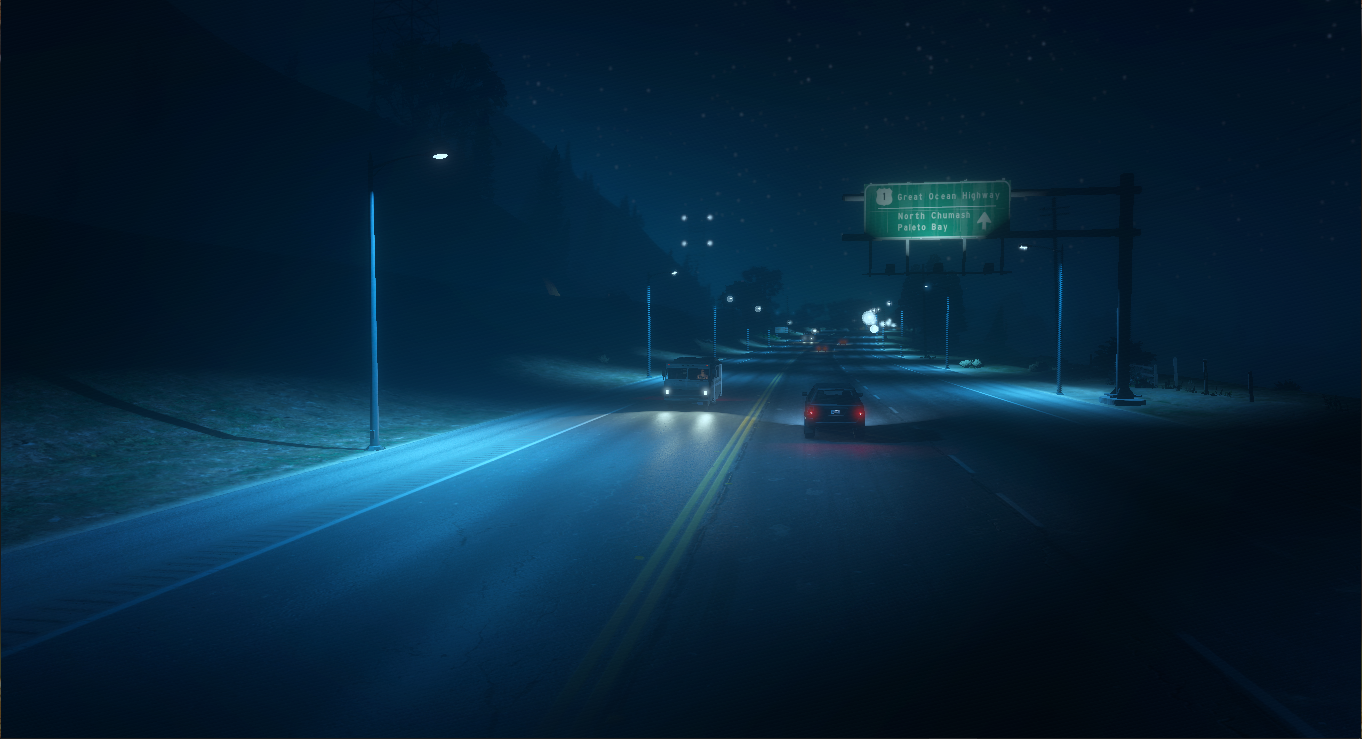
The lighting system in the PXM V has also been significantly improved. During the day, sunlight appears more natural, while at night, streetlights and building lights create a cinematic look. This mode is especially impressive during night driving, as the entire city appears illuminated.
Improved Environment Details
Trees, buildings, and environment textures have also been improved in this mod. Extra detailing is visible in many areas, making the city feel more alive. Distant objects are also visible more clearly than before.
Cinematic Visual Experience
If you record GTA V gameplay and create YouTube videos, PXM-V attempts to create a cinematic experience. Its color tone and environmental atmosphere give the game a movie-like feel. This is why many content creators use this mod.
If you have a low-end PC like 2GB Graphics Card, 8GB RAM, i5 4th Gen Processor, then PXM-V can run but you may have to keep the settings low. This mod is considered quite heavy because it uses high-quality textures and realistic effects. If the graphics are kept too high, you may experience FPS drops and lag.
For low-end users, 900p resolution and medium settings are best. This keeps the game playable and the graphics look good.
What needed to install PXM V?
This mod requires some essential tools to install, and without them, the mod won’t work properly.
- OpenIV
- Script Hook V
- Mods Folder Setup
With the help of these tools, you can safely install mods and the original game files also remain safe.
How to Install PXM V?
First, install OpenIV. Then, copy Script Hook V to the game folder. Then, install the PXM V mod files in the mods folder using OpenIV. Once the installation is complete, start the game and enjoy the new ultra-realistic look.
Is PXM V Safe?
It’s generally considered safe if you only use it in GTA V’s Story Mode. However, using any graphics mod in GTA Online can be risky, as it can result in an account ban. Therefore, mods should always be used offline.
Conclusion
If you want to give GTA V a more realistic, cinematic, and next-gen look, PXM-V can prove to be a great graphics mod. Its realistic roads, improved lighting, and detailed environment change the entire experience of the game. Although low-end PCs may face some performance issues, it can be played well with the right settings.