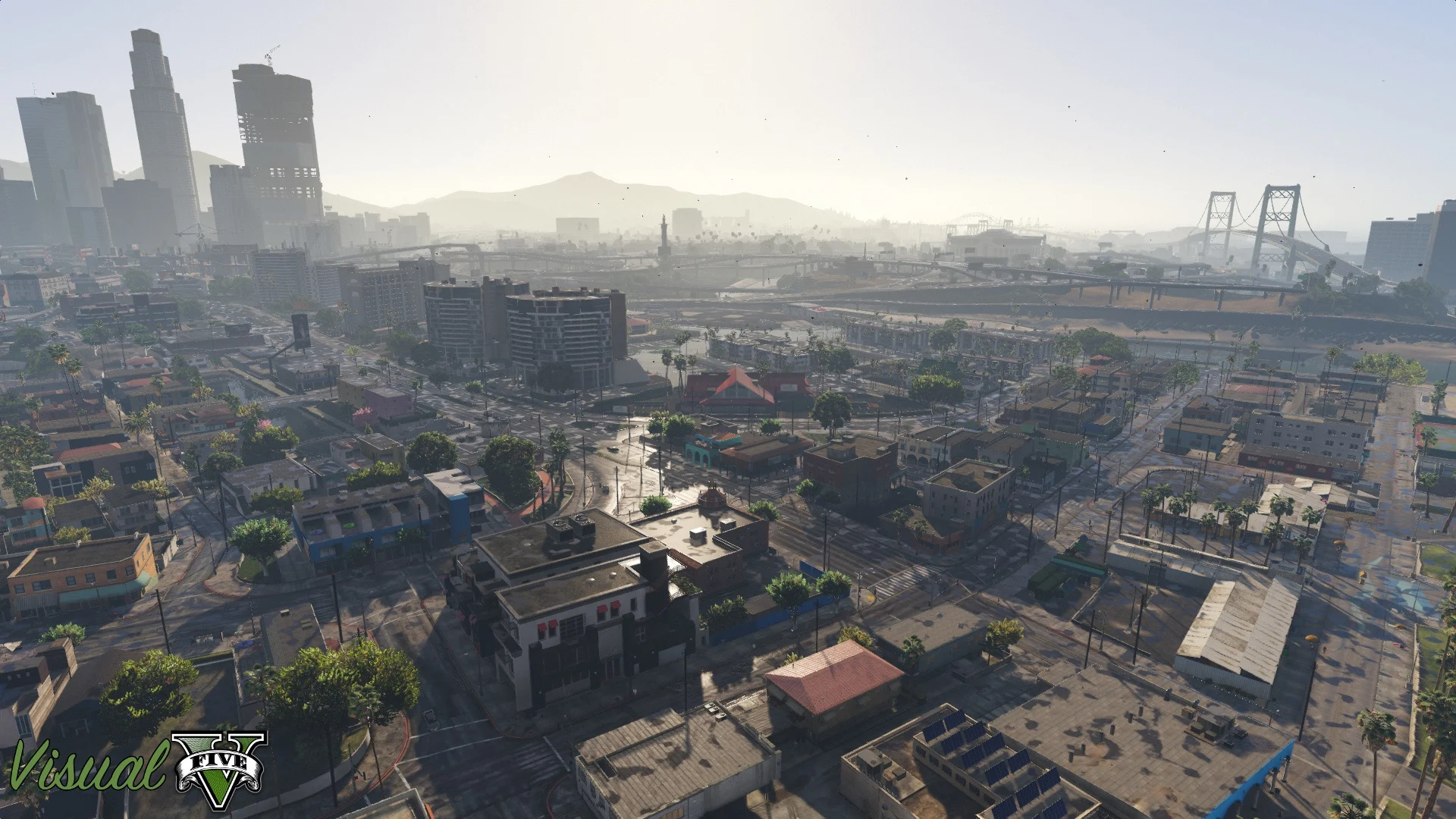
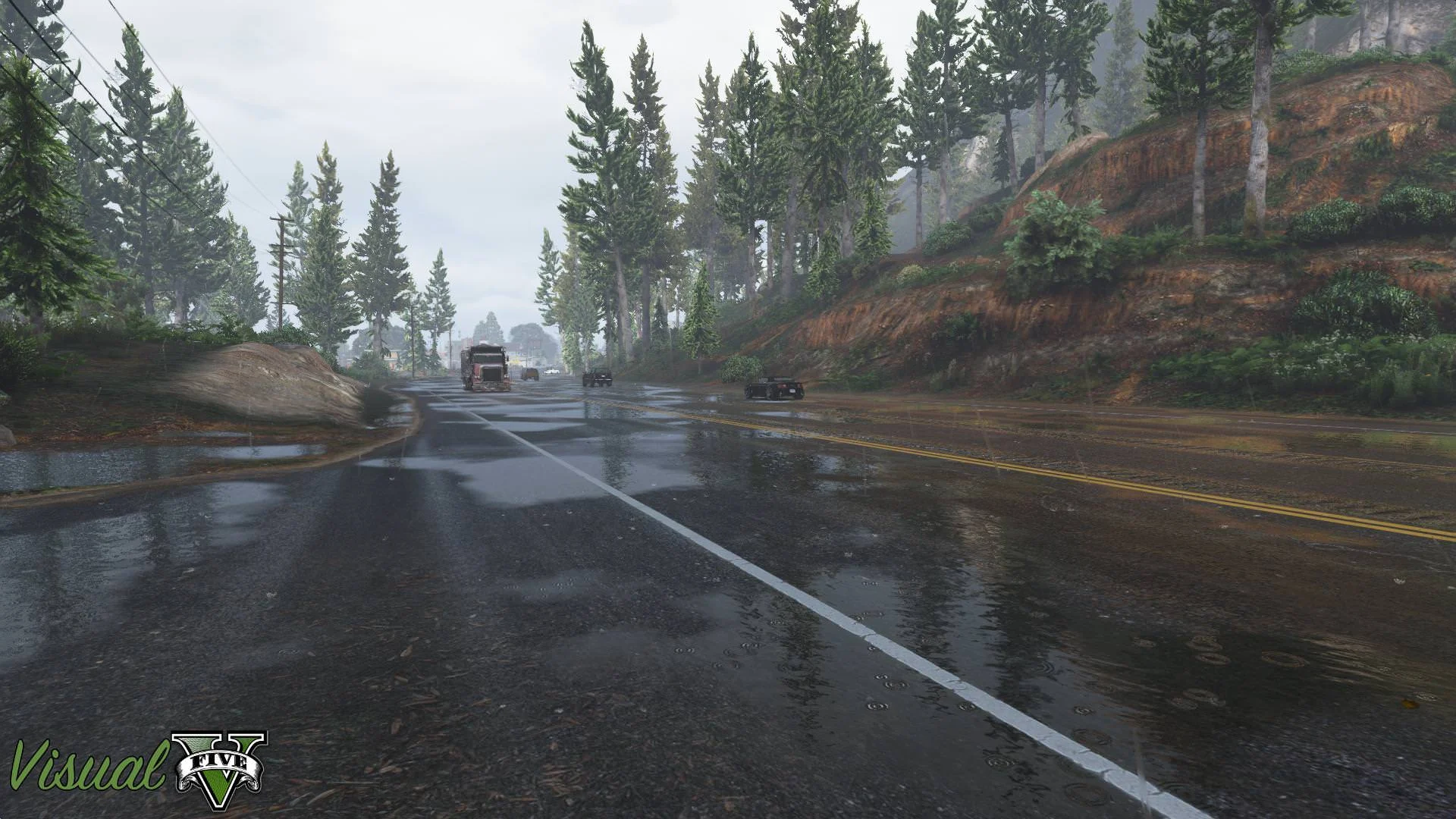
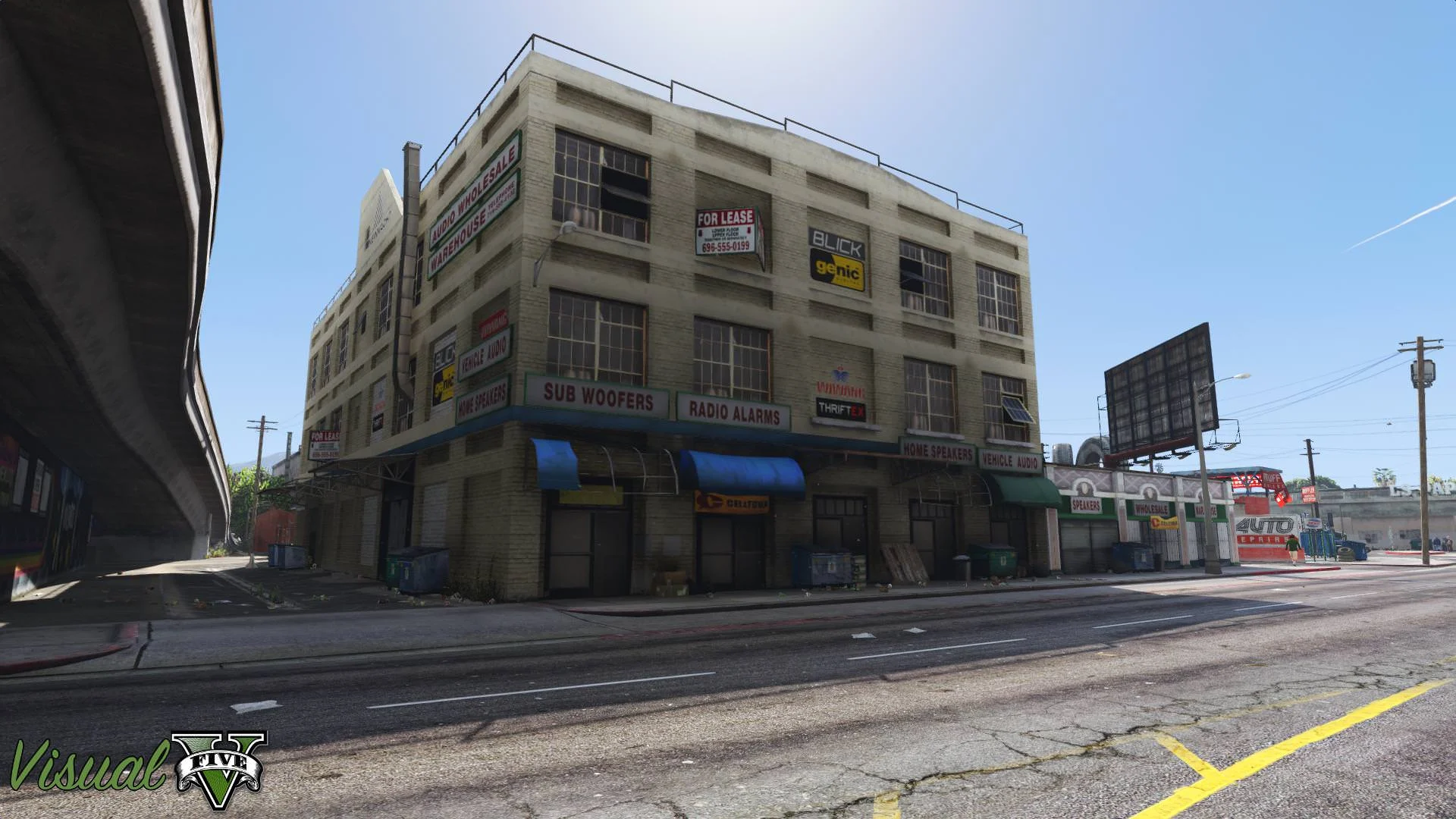
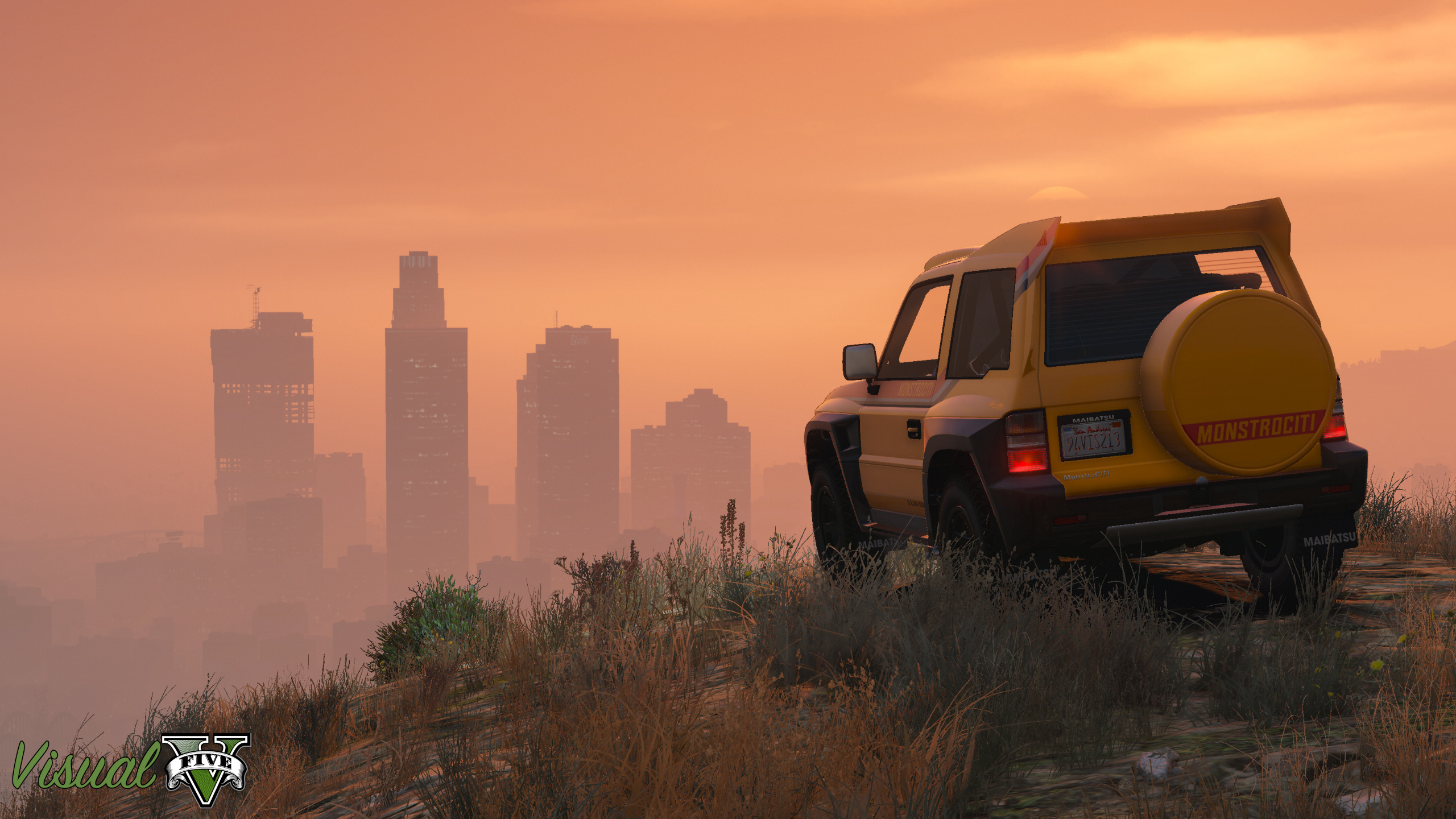
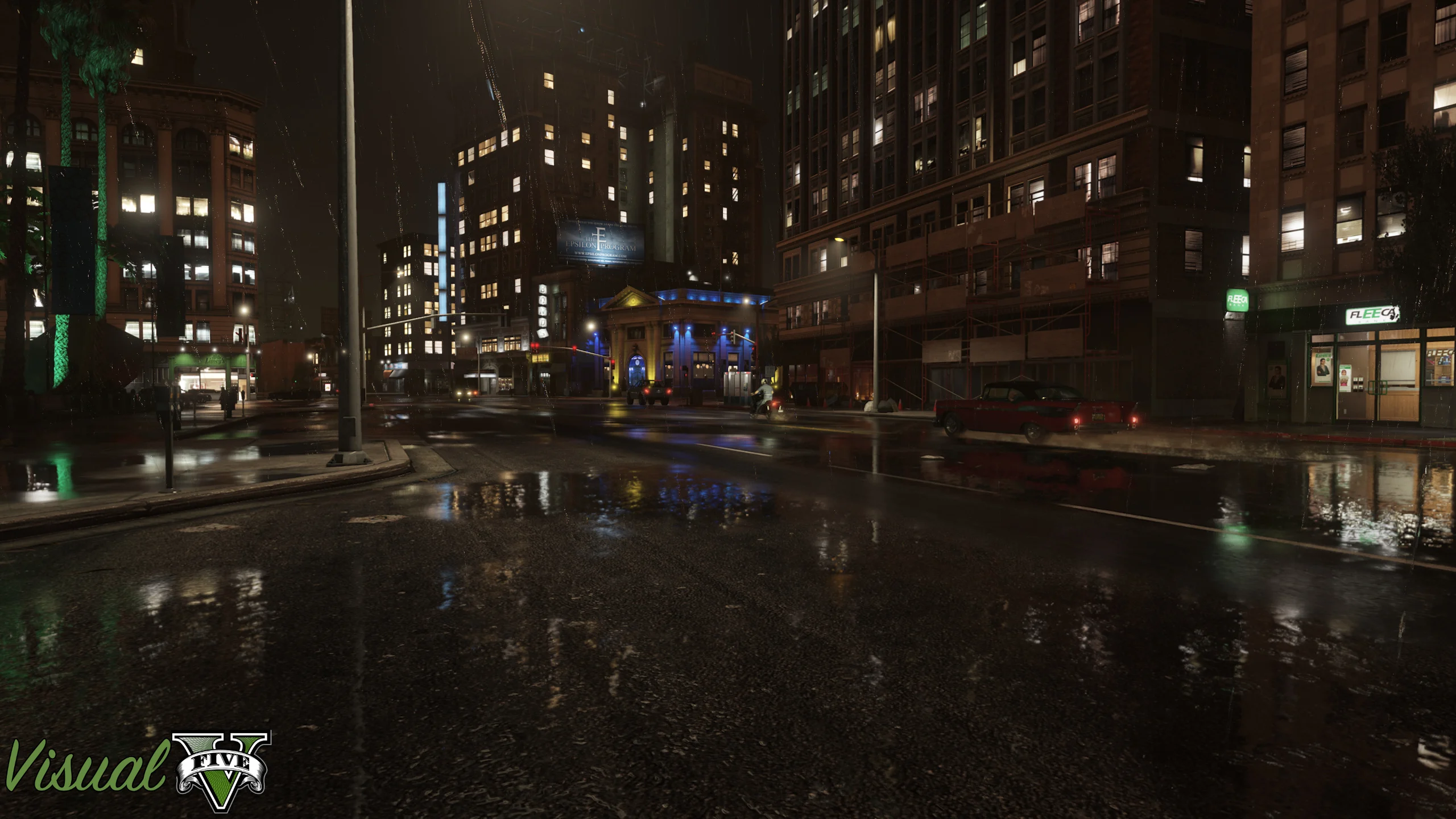
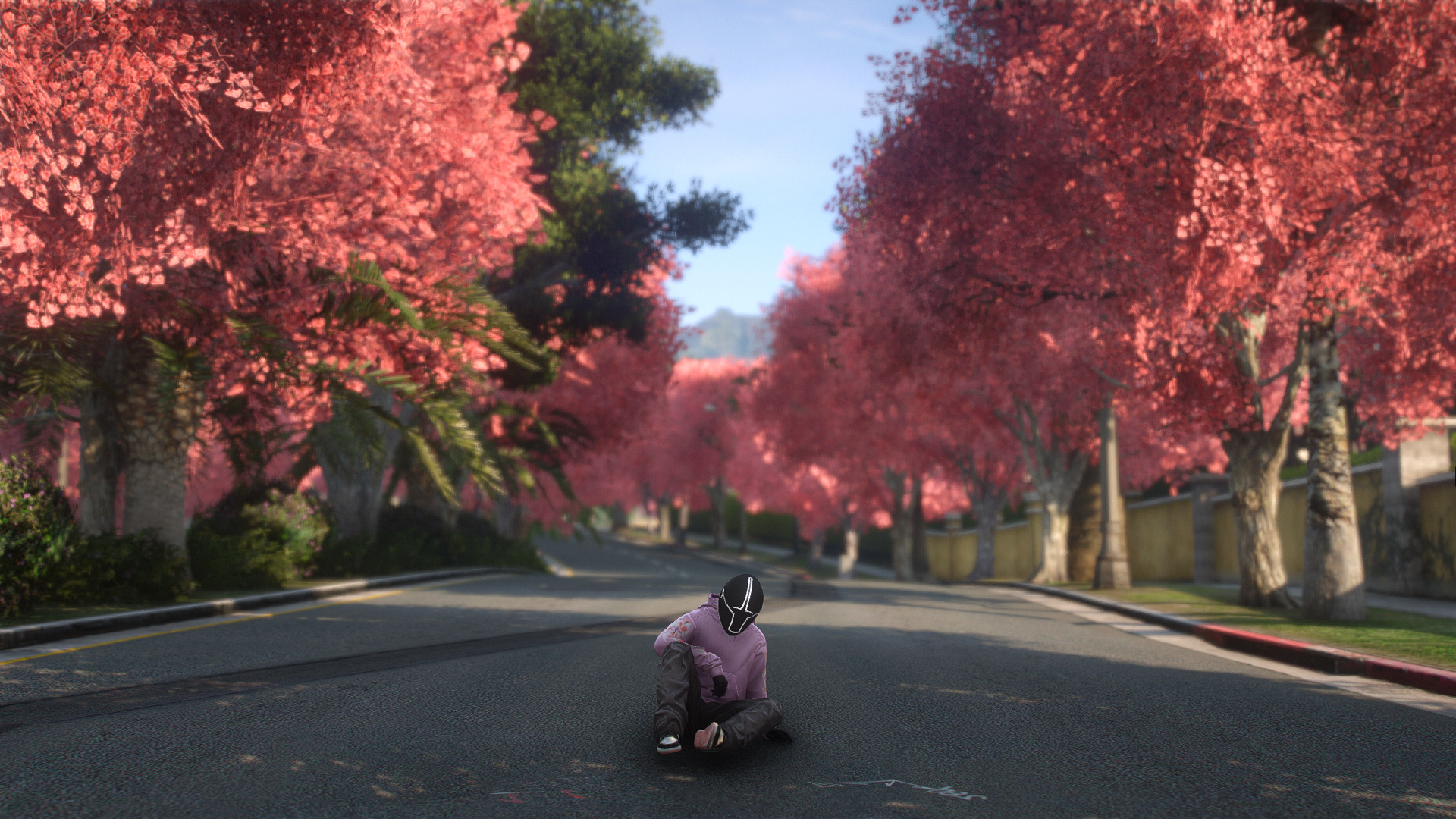
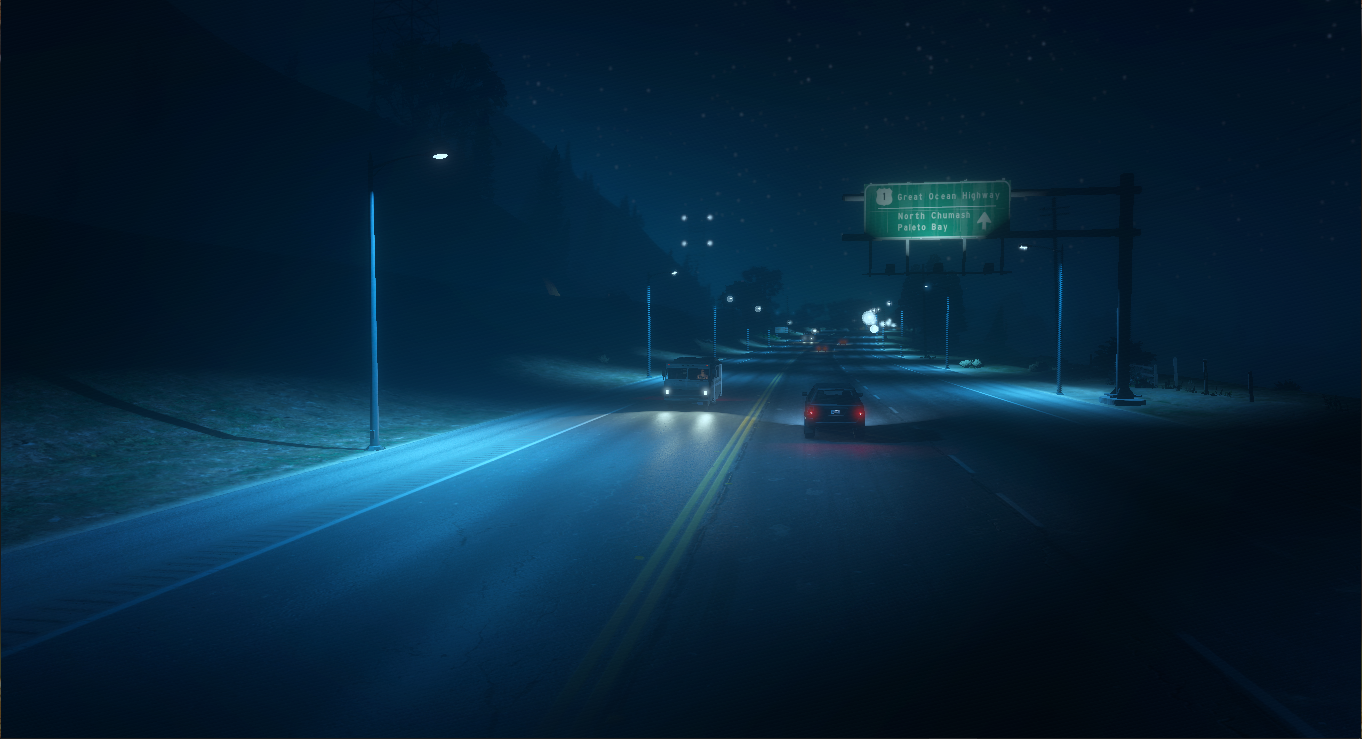
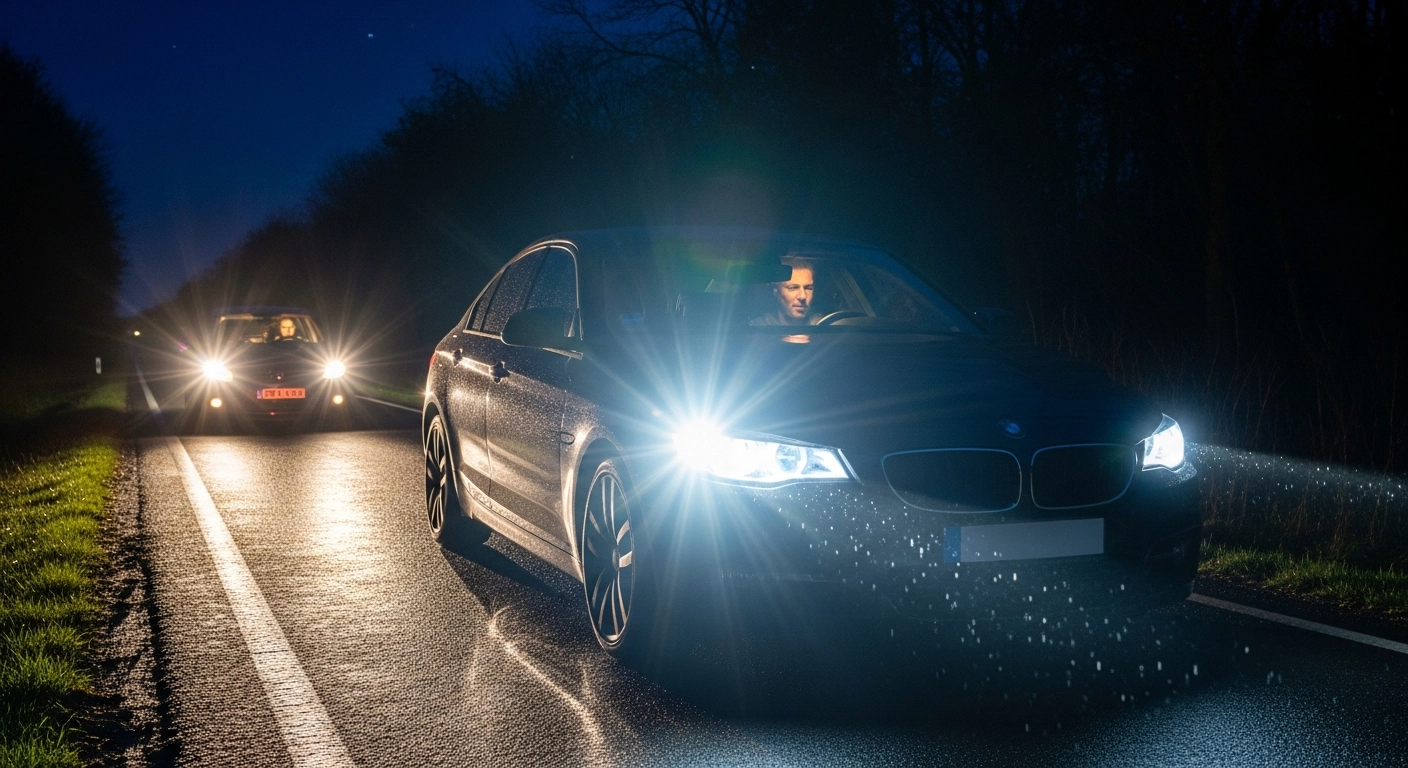
VisualV is a graphics mod that makes Grand Theft Auto V more realistic and cinematic than ever before. If you have a low-end PC and want to enhance GTA V’s aesthetics without significant lag, VisualV is the best option. This mod completely changes the game’s weather, lighting, colors, and shadows, making the city of Los Santos feel more like the real world.
What is VisualV Mod?
VisualV is a graphics overhaul mod specifically designed to improve the visuals of GTA V. This mod redesigns the game’s lighting, weather system, fog, moon, clouds, and color correction, making the game appear more natural and cinematic.
The best part about this mode is that it doesn’t consume as much FPS as heavy realistic modes. So even users with a 2GB graphics card and 8GB of RAM can easily use it.
Key Features of VisualV Mod
1. Realistic Weather
Rain, sunshine, night, and fog appear more realistic than ever in VisualV. Cloud and sky colors have also been improved.
2. Better Lighting
The game’s road lights, building lights, and car reflections appear clearer and more cinematic. Night mode looks great.
3. Improved Shadows
The shadows under cars and characters become smoother and more realistic, increasing the quality of the game.
4. FPS Friendly
This mode is considered quite good for low-end PCs as it does not degrade performance like heavy ray tracing mods.
5. Realistic Moon और Fog
The Moon’s size and movement have been recreated to resemble the real world. Fog effects also appear more cinematic than before.
Why is it best for low-end PCs?
If you have:
- 2GB graphics card
- 8GB RAM
- i5 processor
VisualV is considered the most balanced mod. It makes the game look beautiful and doesn’t cause significant lag. Many users recommend it for low-end setups.
What is needed to install VisualV?
Installing VisualV requires a few essential tools:
How to install?
- First install OpenIV
- Then install Script Hook V
- Then download Visual Studio.
- Install the .oiv file by opening OpenIV
- Install the mod into the “mods folder”
- Start the game and enjoy the new realistic look
Is VisualV Legal?
Using Visual Studio in Single Player mode is generally considered safe. However, using graphics mods in GTA Online can result in a ban. Therefore, use mods only in the offline story mode.
Some important things
- Don’t install too many graphics mods at once
- Use only one graphics overhaul mod
- Always keep a game backup
- Before installing the mod, turn off your antivirus if you get a false warning.
Many users have reported that incorrect installation or installing multiple graphics mods at once can cause glitches or crashes.
conclusion
If you want to make GTA V more realistic without significant FPS loss, VisualV is one of the best mods. It delivers good performance even on low-end PCs and makes the game feel like new life. The realistic lighting, weather, and cinematic atmosphere make it remain a popular graphics mod in the GTA V community.